
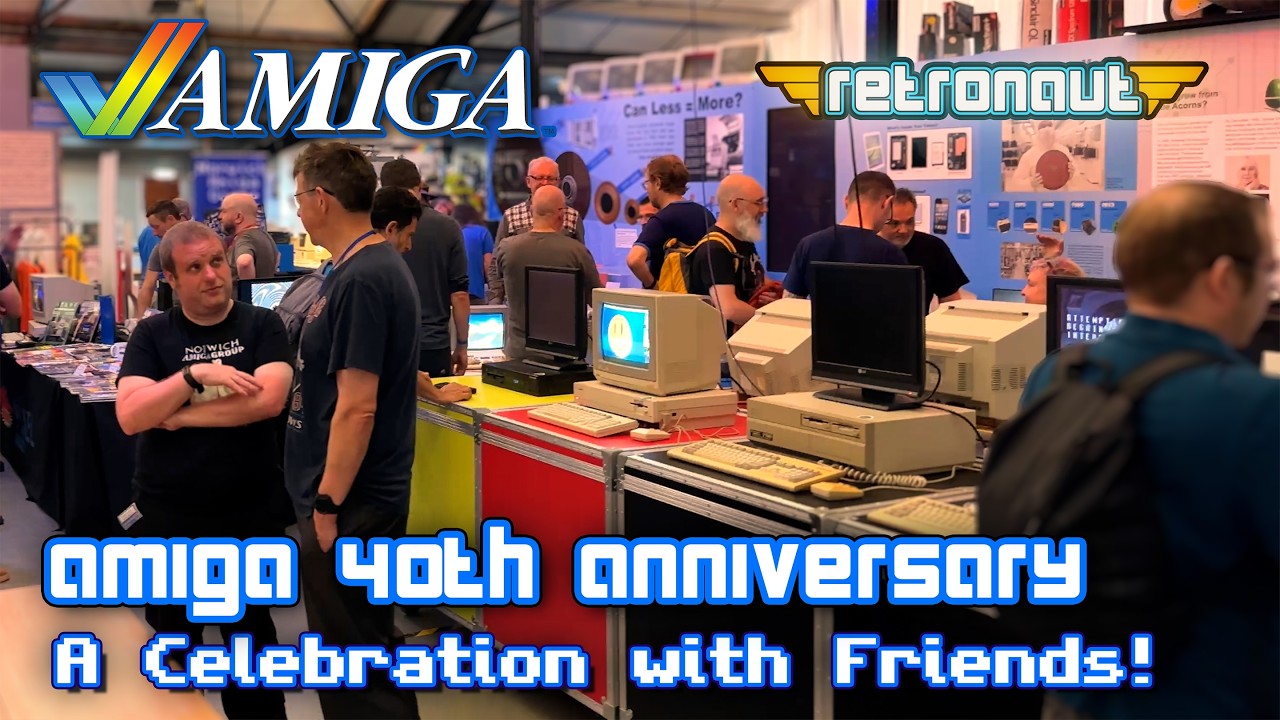
Join me as I attend the Amiga 40th Anniversary Event at the Centre For Computing History, in Cambridge UK. RJ Mical was to attend, along with famous game devs of the era. Even better, the venue would be stacked with vintage electronics and amazing vintage computers, from Mini Computers, to the Commodore 64 and Apple I computer, and on to games Nintendo and SEGA consoles. Lets have fun on my computer history museum tour!
Author: Retronaut
-
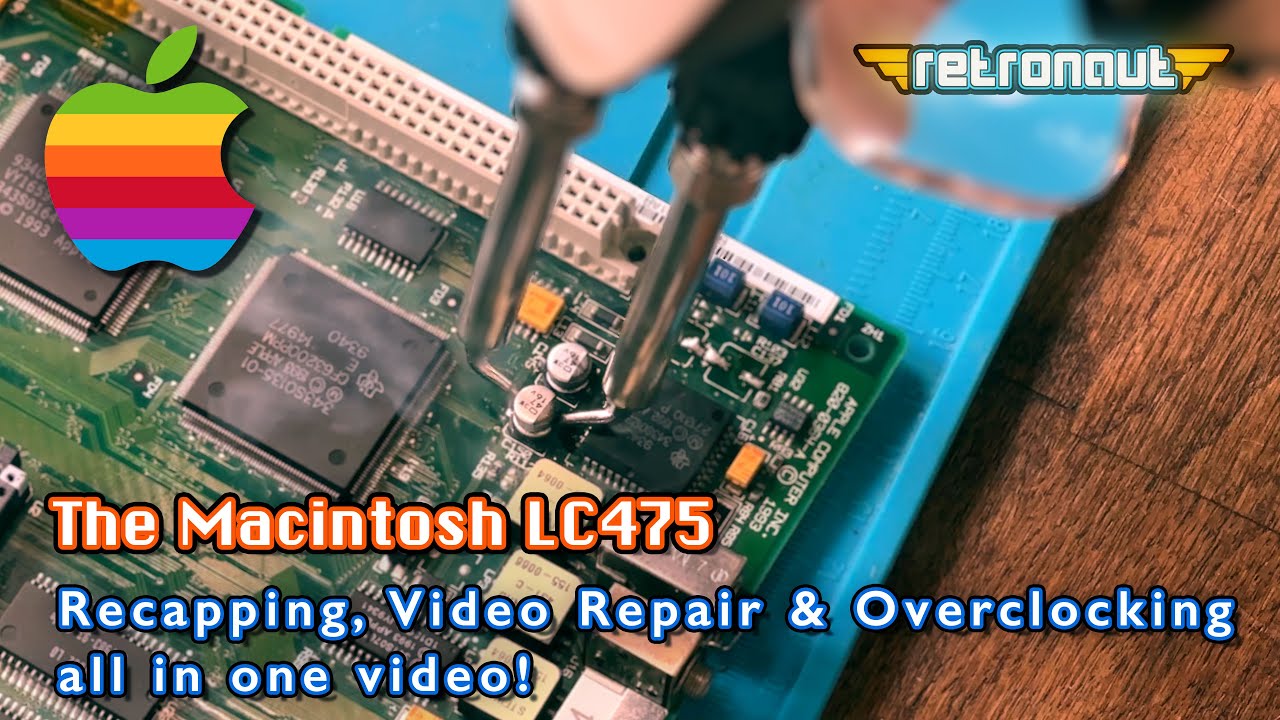
Can I fix my Macintosh LC475’s Video, Recap It AND then Overclock it? High stakes!
My vintage Macintosh LC475, an important machine in Apple Computer History, has poor video and on top of this it’s capacitors are ALL leaking, causing damage to its logic board! It really NEEDS restoration. So we need to get into this machine urgently, to get those caps replaced (ideally without pcb pad repair) and then do some troubleshooting and fault diagnosis to find a fix for its ailing video output! Oh, and for good measure, we’ll “overclock” it from 25MHz to 40MHz!
-
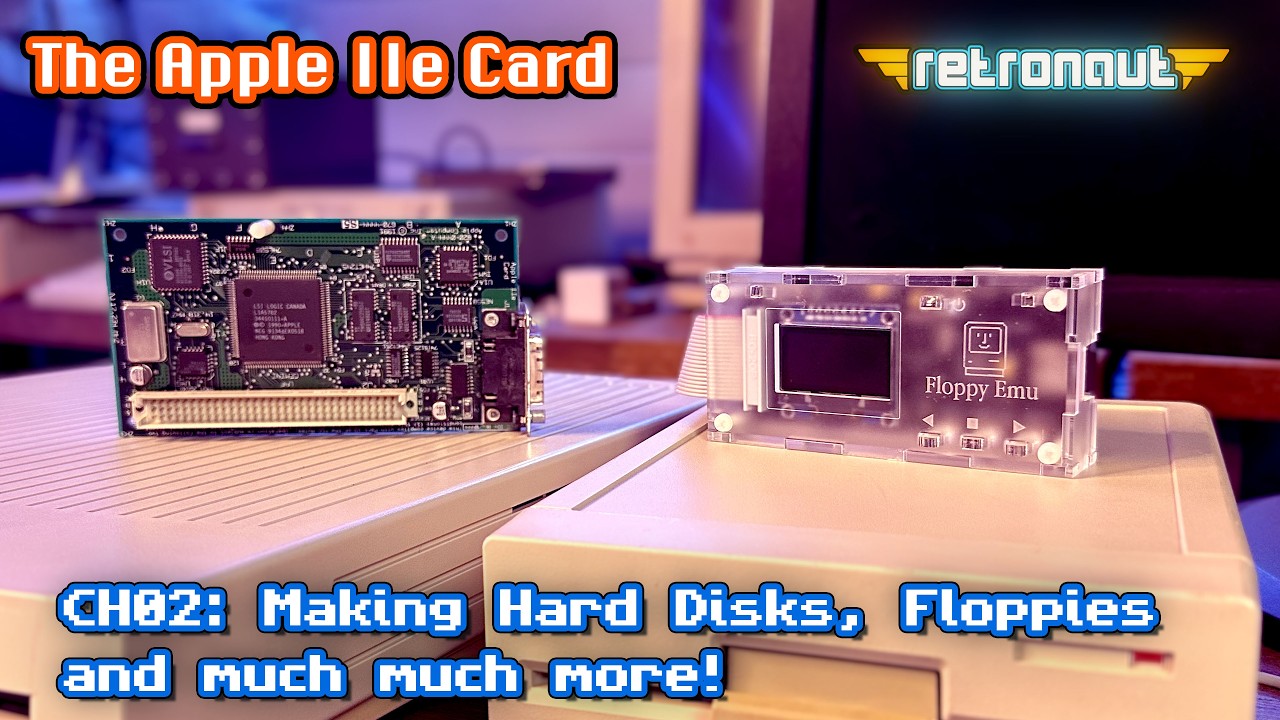
Apple IIe Card: Add Hard Disks, Making Floppy Disks and Much More!
The Apple IIe card, the last great hoorah for Steve Wozniak’s and Steve Jobs love child, is in my Macintosh LC475, can I add multiple large hard disks to it? Can I write out 3.5″ AND more importantly 5.25″ floppy disks as well? How do we easily move data onto these disks? We look at the Floppy Emu and CiderPress II. Let’s dive in and make the most of this wonder card from Apple.
-
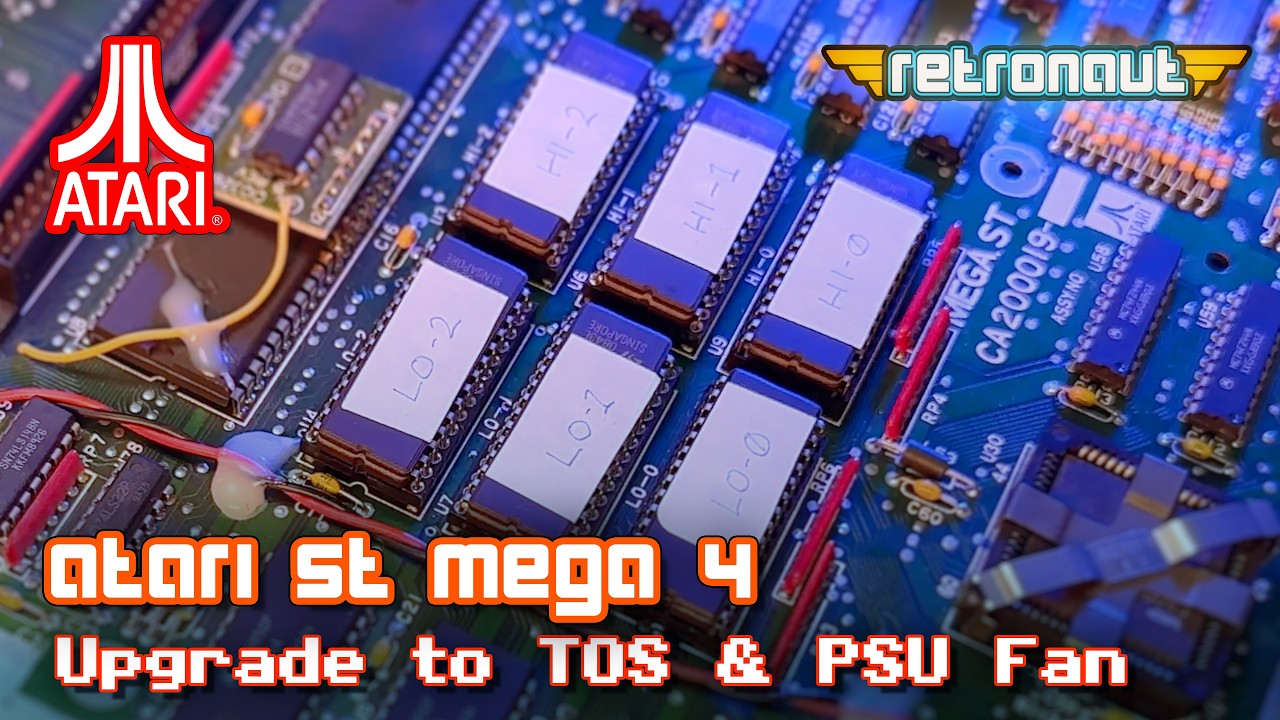
Atari Mega4 CH03: Next Level Atari Mega with an OS Upgrade and Super-Silent PSU Fan!
My retro Atari computer, a Mega 4 arrived installed with its original German language TOS 1.02 ROM chips. Now, i’m not a German speaker, so upgrading to English TOS 1.04 is the first thing I will tackle in this video. With that done, there is the noisy PSU fan. A perfect candidate for a new, near silent Noctua fan replacement. With these in place, do we FINALLY have a Mega ST thats ready to rock? Lets see!
-
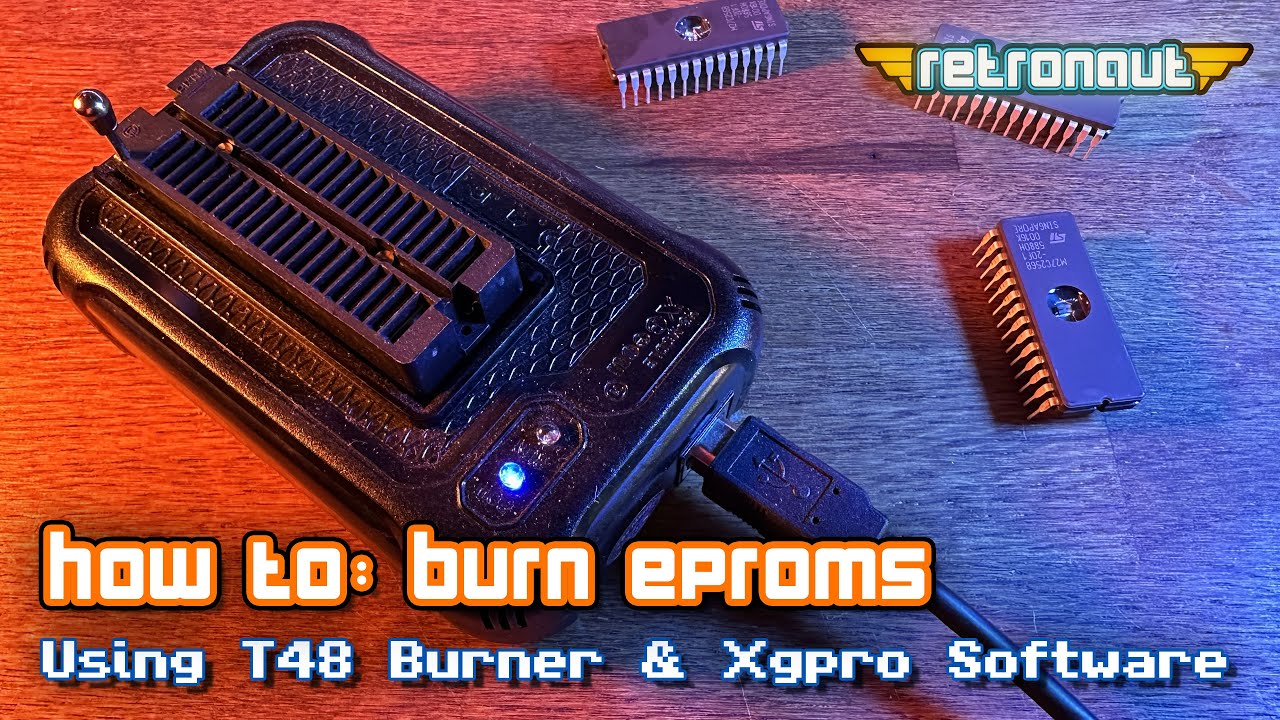
Mastering T48 Burner for EPROMs: The Ultimate Guide
This short guide shows how to use the T48 Programmer and its Xgpro software to burn an EPROM. It covers blanking your EPROMS, checking they ARE blank in the software, loading ROM images, burning them and validating that they are correct. It’s a short, but perfectly formed guide to get you on your way to making your own ROMs.
-
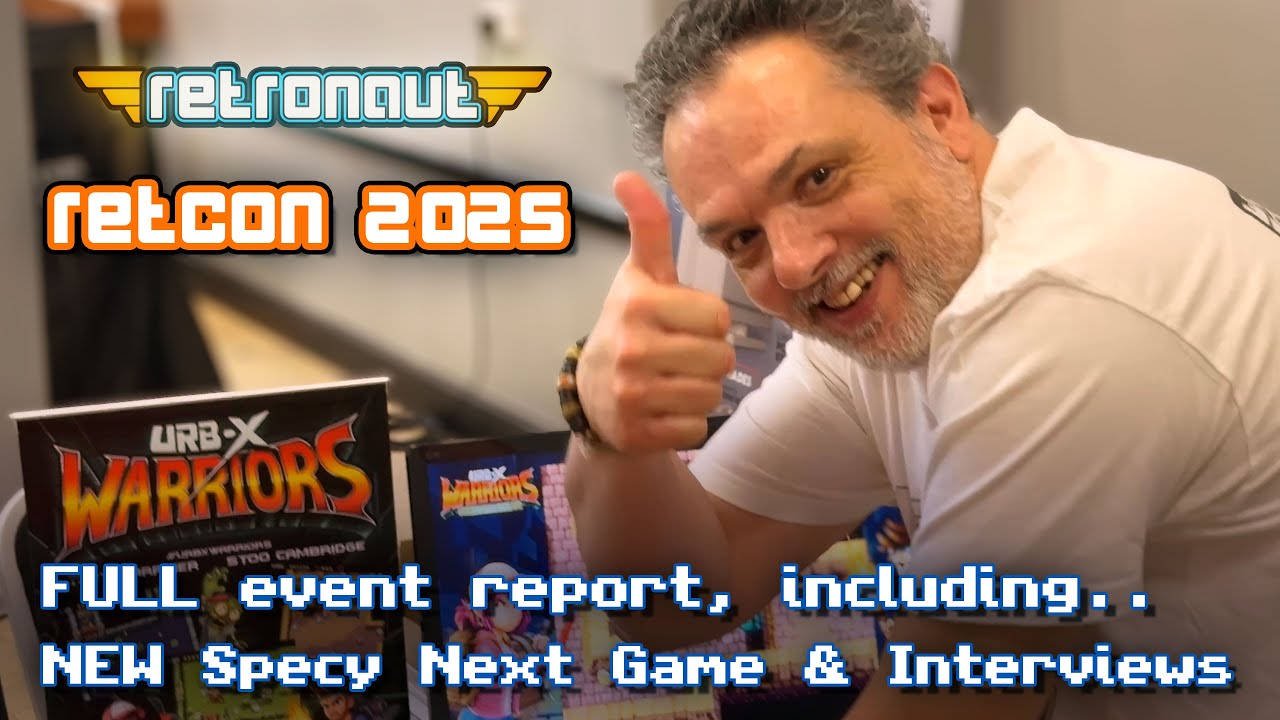
Retro Computer Festival: RetCon – 31st May 2025
Join me as I attend 2025’s RetCon Retro Computing Festival in London. The event promised a strong hand, including Iain Lee, 90s video game TV show host, Roland Perry, the godfather of the Amstrad CPC, to the Spectrum Next team overflowing with HOT HOT news. Join me as I head in to see what the event holds, it was a lot of fun, I hope you agree!
-
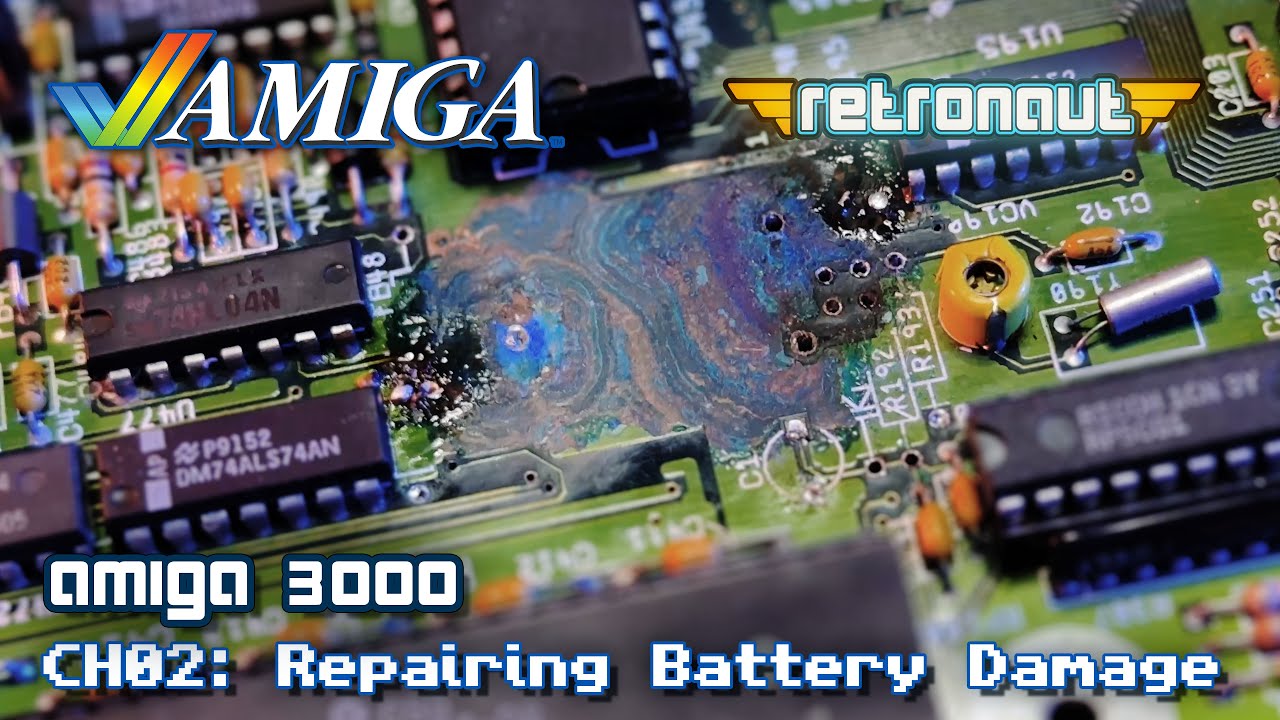
Can This Amiga 3000 Be Saved From Disaster?
This Amiga 3000 has serious battery damage to its real-time clock circuit. The area was obliterated. I’m going to attempt to get the clock working again, replace its PSU fan, and backup its hard disk and replace it with a BlueSCSI. Lets see how I do…
-
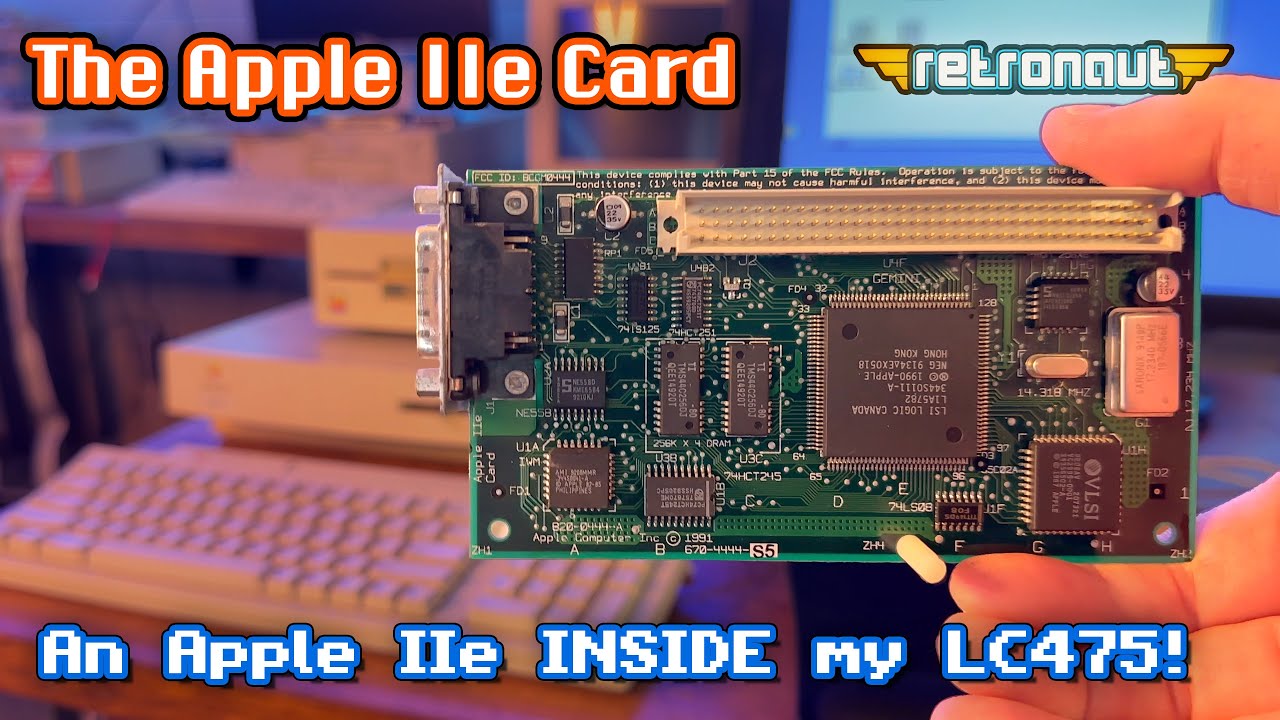
Rocking an Apple IIe INSIDE my vintage Macintosh LC475!
The Apple IIe Card, the last great product of the Wozniak/Jobs era? By 1991 Apple wanted everyone to use Macs, this card allowed schools to get LCs with Apple IIe’s within. The card is a grail device for many But, does it work? Lets find out!
-
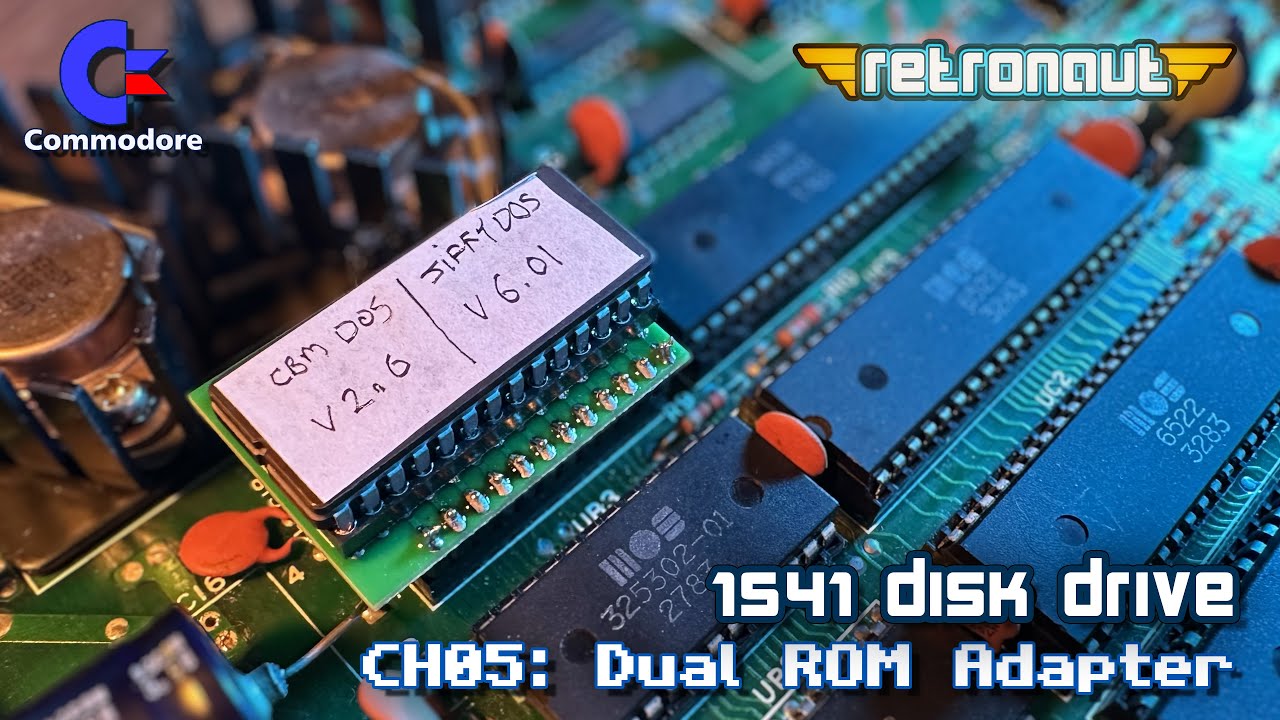
Commodore 1541 Disk Drive: Dual Kernal ROM Adapter
Want to MASSIVELY speed up your 1541 Disk Drive? Yes, so lets make a Dual-ROM adapter, allowing us to install two ROMs in the drive. This will allow us to have BOTH JiffyDOS, speeding up the drive, as well as the Commodore Kernal ROM, as a fallback.
-
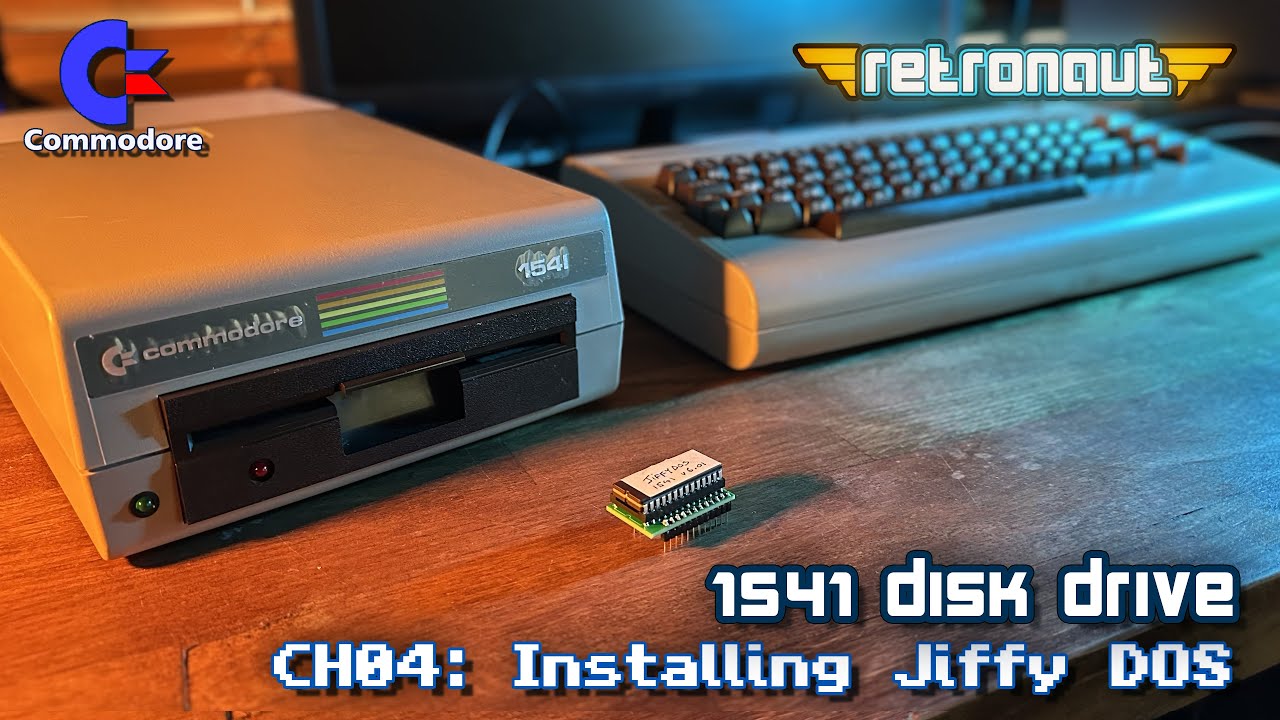
Commodore 1541 Disk Drive: Make a ROM adapter and Install JiffyDOS ROM
Let’s make an adapter to install JiffyDOS in my recently repaired 1541. I’ll also show you how to burn the EPROM and of course assemble the adapter. The Commodore 1541 was notoriously slow. But it can certainly be faster! Installing JiffyDOS in a 1541 is an upgrade everyone can do, as JiffyDOS also gives you improved DOS commands, allowing for MUCH easier interactions with you drive.