
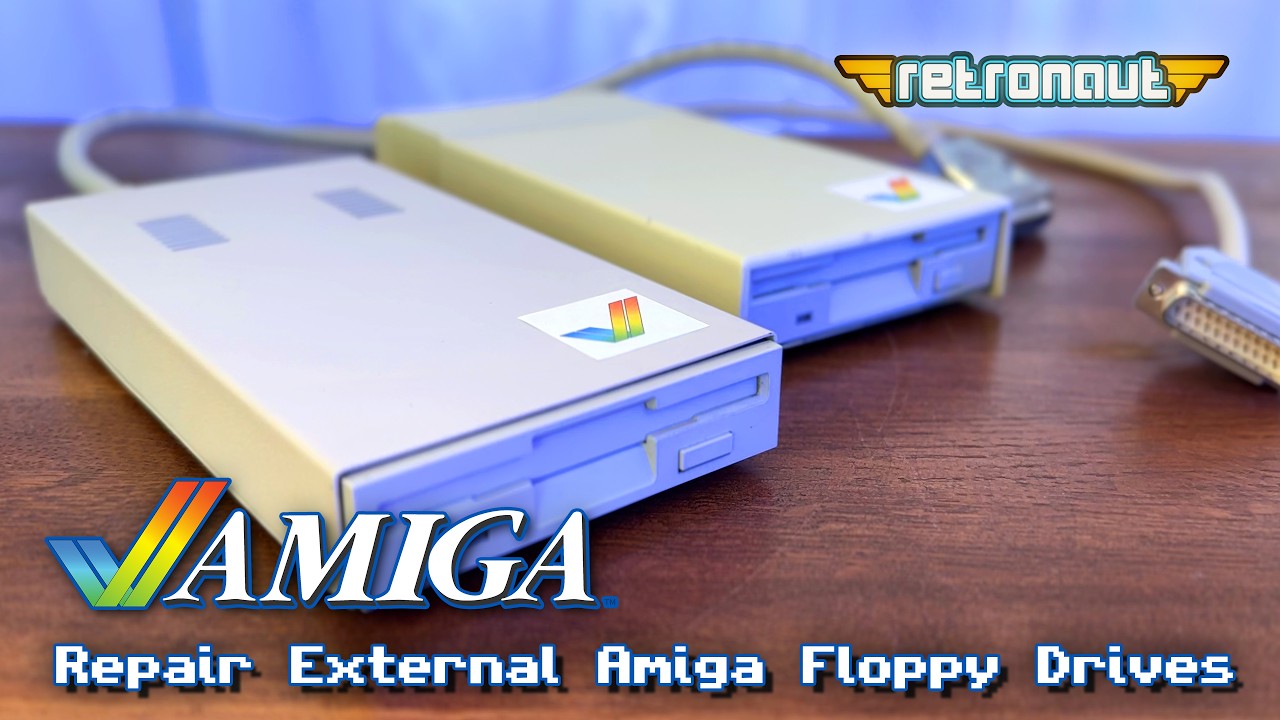
I have two broken Amiga external 3.5″ floppy drives and its about time I fixed them. These drives were received as part of my Amiga 4000 bundle, that proved to mainly contain broken retro kit. But that does not need to be a barrier to us, does it!
Author: Retronaut
-
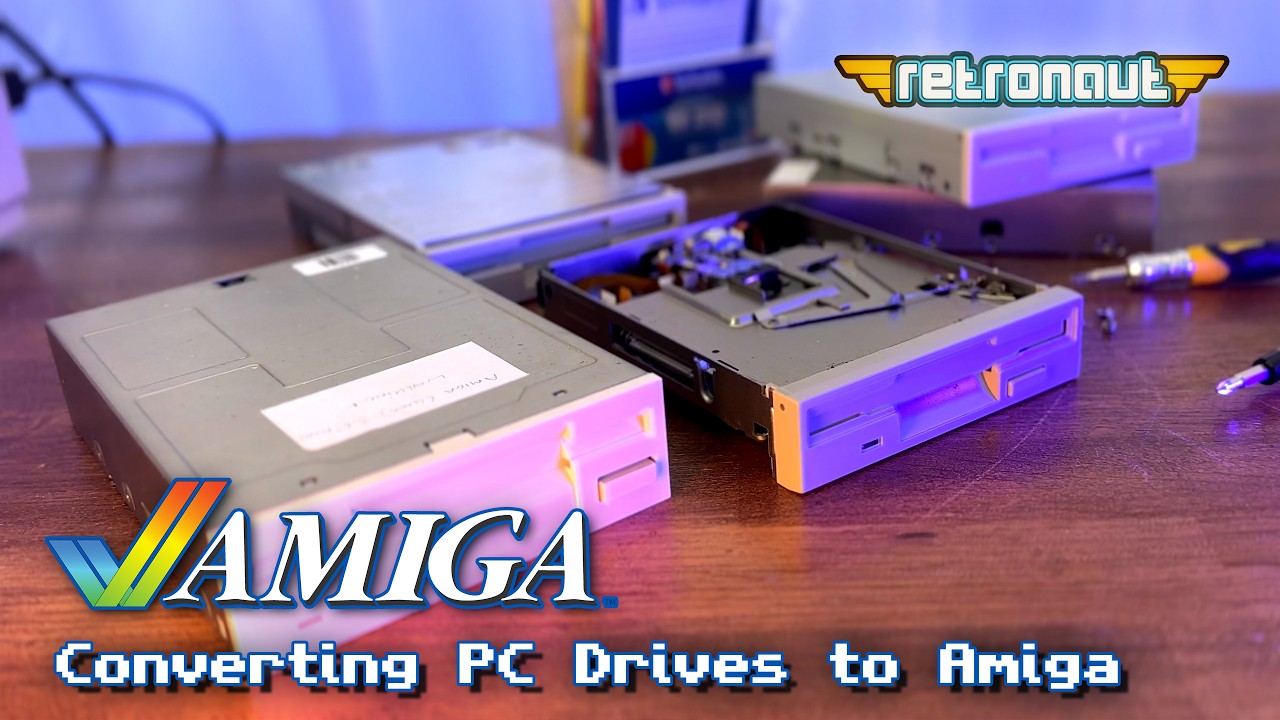
Converting PC 3.5″ floppy Drives to work on the Amiga
Do you need a new Amiga floppy disc drive? Well, there are NO new Amiga drives out there, but there are many many PC drives. However, these do not work on the Amiga. In this video I show you how I converted 3 common models of PC drive, a Samsung SFD-231B, an Alps DF354h and a TEAC FD-235, all to work perfectly on an Amiga.
-
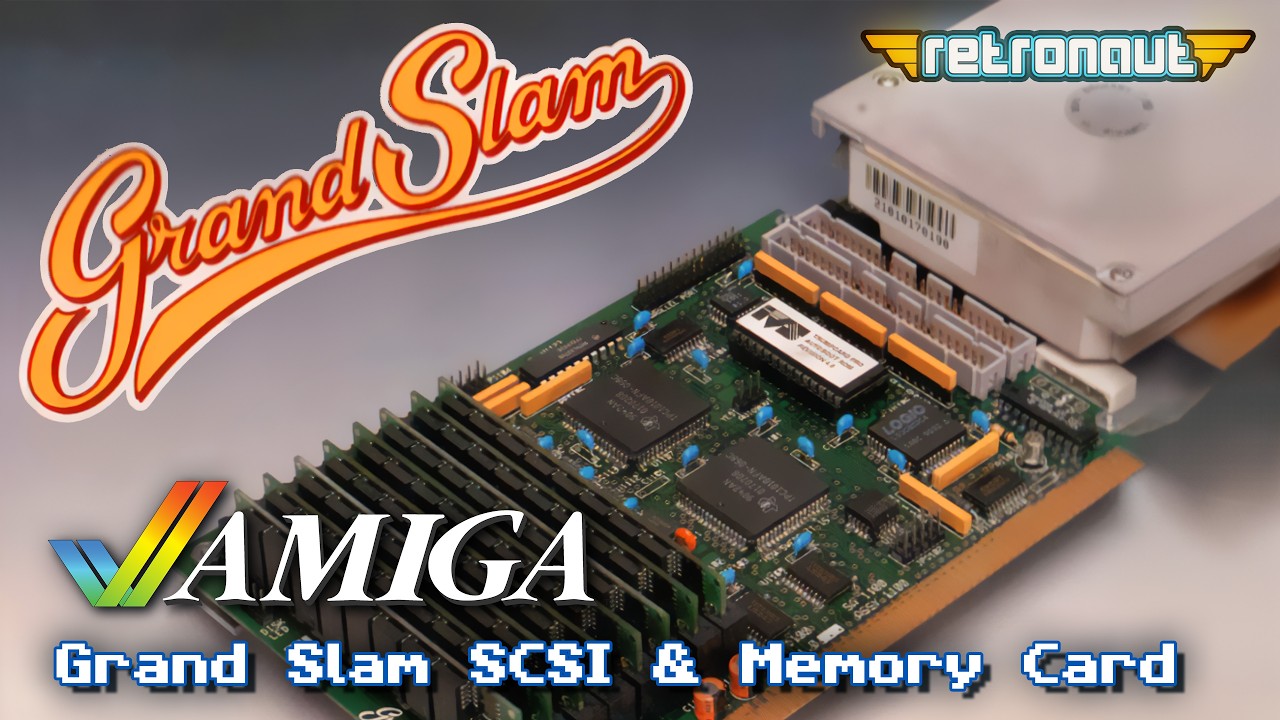
The Grand Slam SCSI controller, do I really need it in this Dicke Olga, 68030 equipped Amiga 2000?
In a recent review I fitted my prized Amiga 2000 with a Dicke Olga 68030 accelerator. It also came with super fast IDE, so, do I really need the machines original Grand Slam SCSI controller? Using a BlueSCSIv2 that card MIGHT give me a virtual CD-Rom Drive and also WIFI networking. But, will it actually work?
-
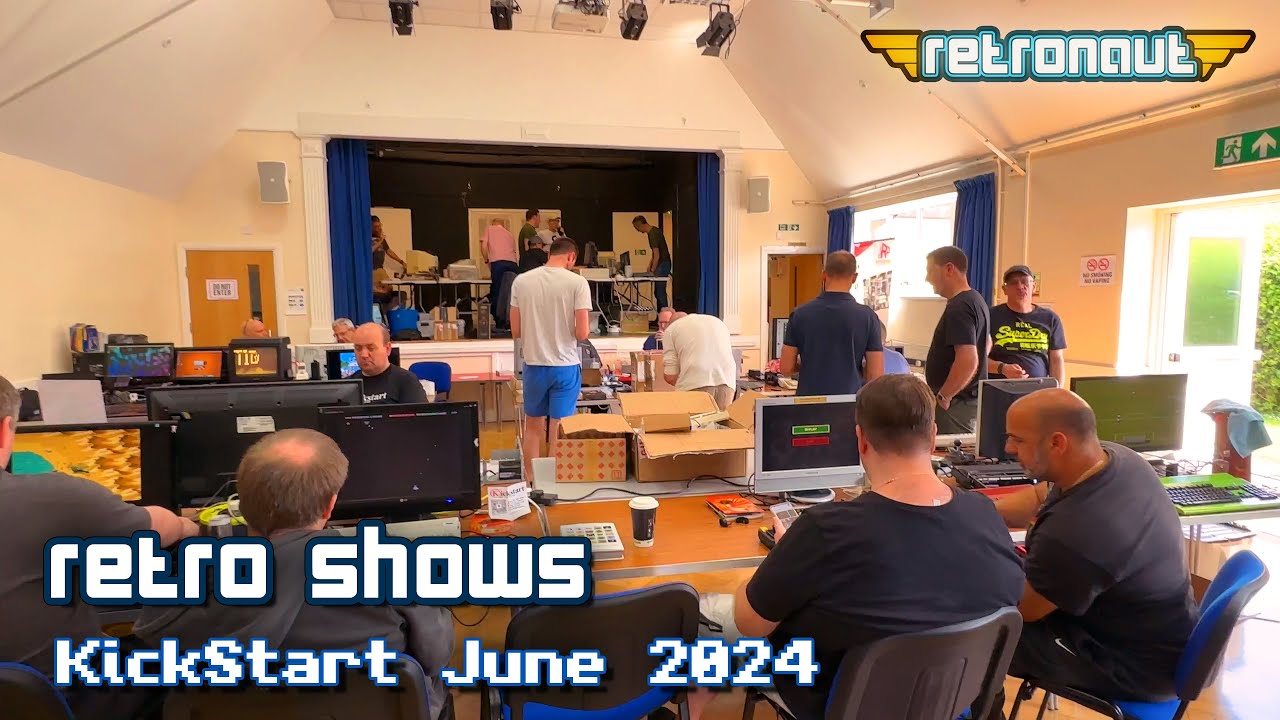
Kickstart Amiga User Group Event – June 22nd 2024
Retronaut last visited a KickStart event in Ottershaw in February of 2024. Now its June and the Summer had finally arrived and this event featured a BBQ! For this first time, I brought along some machines, my Dicke Olga A2000 and my Silicon Graphics Octane. Less vendors this time, but on the flip side, more Amiga nuts, with their Amigas and other retro Computers on display.
-
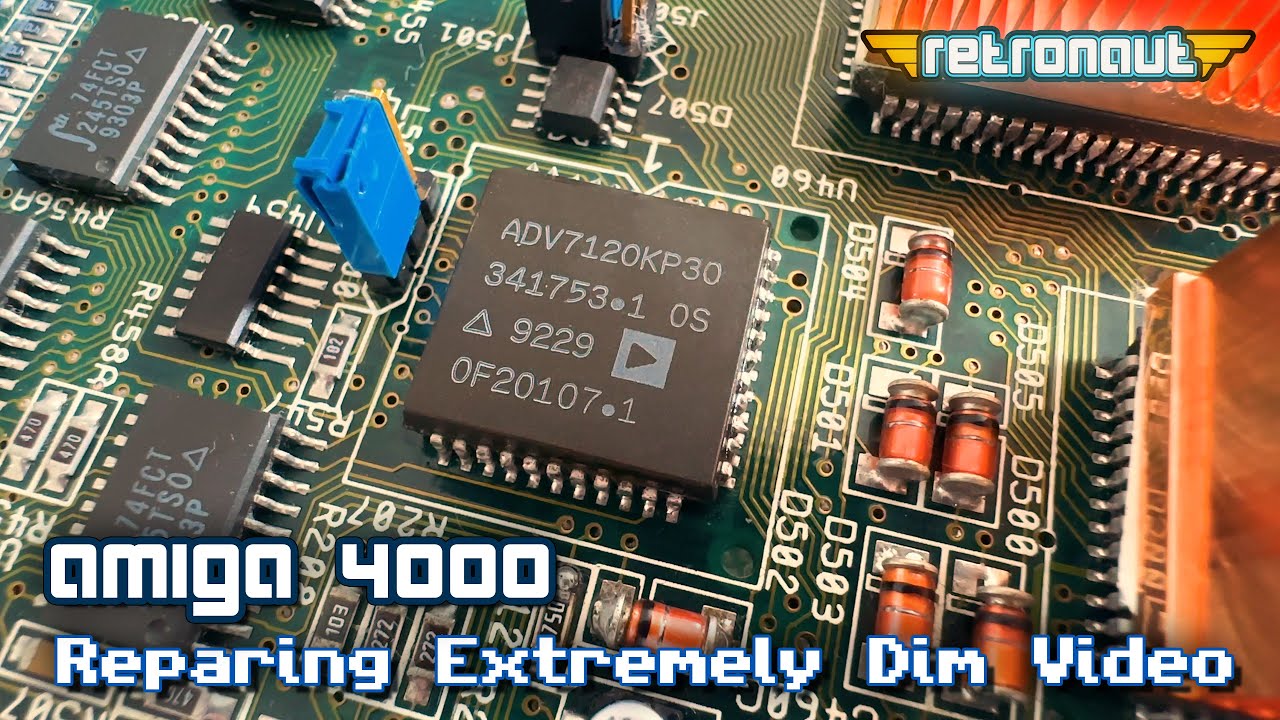
Amiga 4000: Repairing Extremely Dim Video
My Amiga 4000 developed a VERY dim display during the recording of my recent video on the Fastlane Z3 SCSI/Memory card. A day after that video dropped, my Amiga 4000s display was down to maybe 5% of its normal brightness and HAD to be fixed.
-
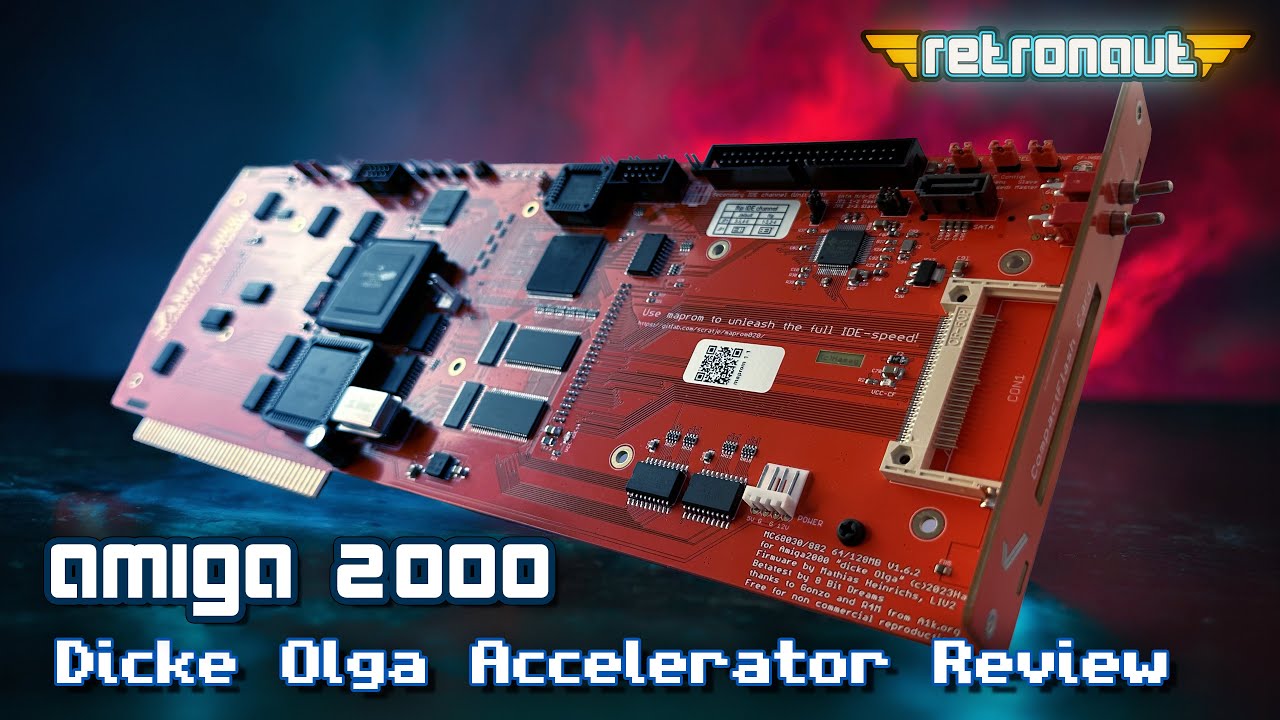
Review: Is this the best Amiga 2000 Accelerator, ever?
In this review of the new Amiga 2000 68030 accelerator, the “Dicke Olga”, we will take a look at what makes it stand out from its competition. It supports 50mhz (and faster) 68030 CPUs, a separate clock for its FPU, an integrated IDE controller and 64/128mb of FAST RAM, that is local to the CPU.
-
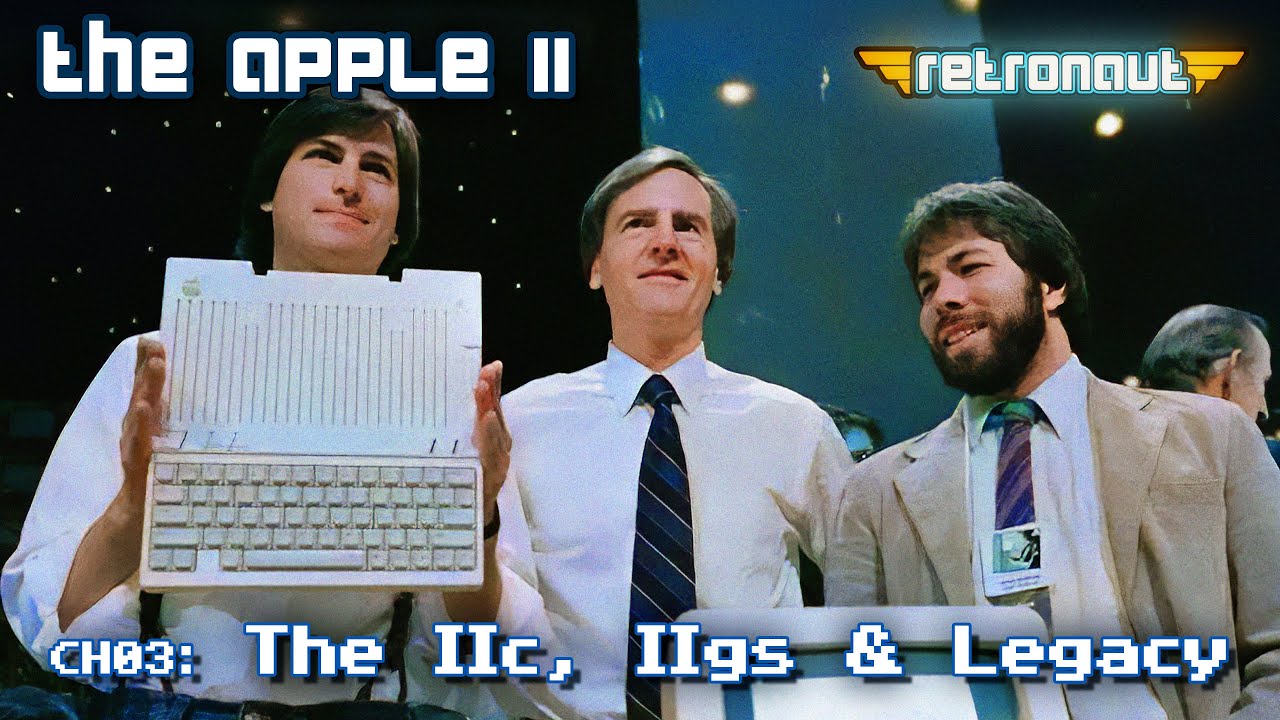
Cementing Apple II’s Legacy with the Apple IIc and IIgs
Entering the mid-eighties, 8-bit Micros, such as the Apple II were becoming a little out-moded. So what could Steve Jobs, Steve Wozniak and the Apple team do, to keep the Apple II range fresh? Well, hows about two very different machines? One which re-invented the Apple II as a mobile powerhouse, for office and home. Whilst the IIgs, literally re-invented the Apple II as a new 16-bit computer, to go into battle with the Atari ST and Amiga computers, which had set the home micro scene on fire.
-
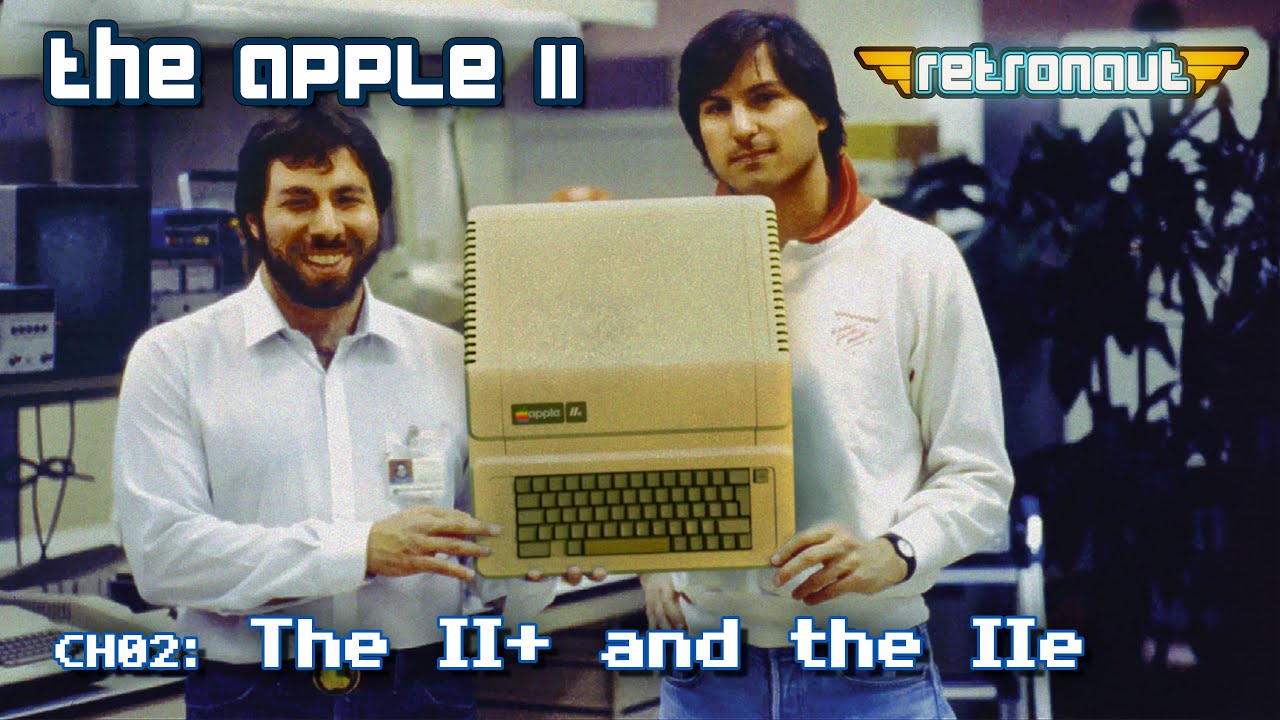
From Hobby to Household: Apple II’s Rise
It’s 1977, the Apple II has launched. It has issues, but with Steve Wozniak’s engineering genius and Steve Jobs growing business vision, Apple is up to the challenge of taking their fledgling computer to higher levels with the Apple II+ and IIe.
-
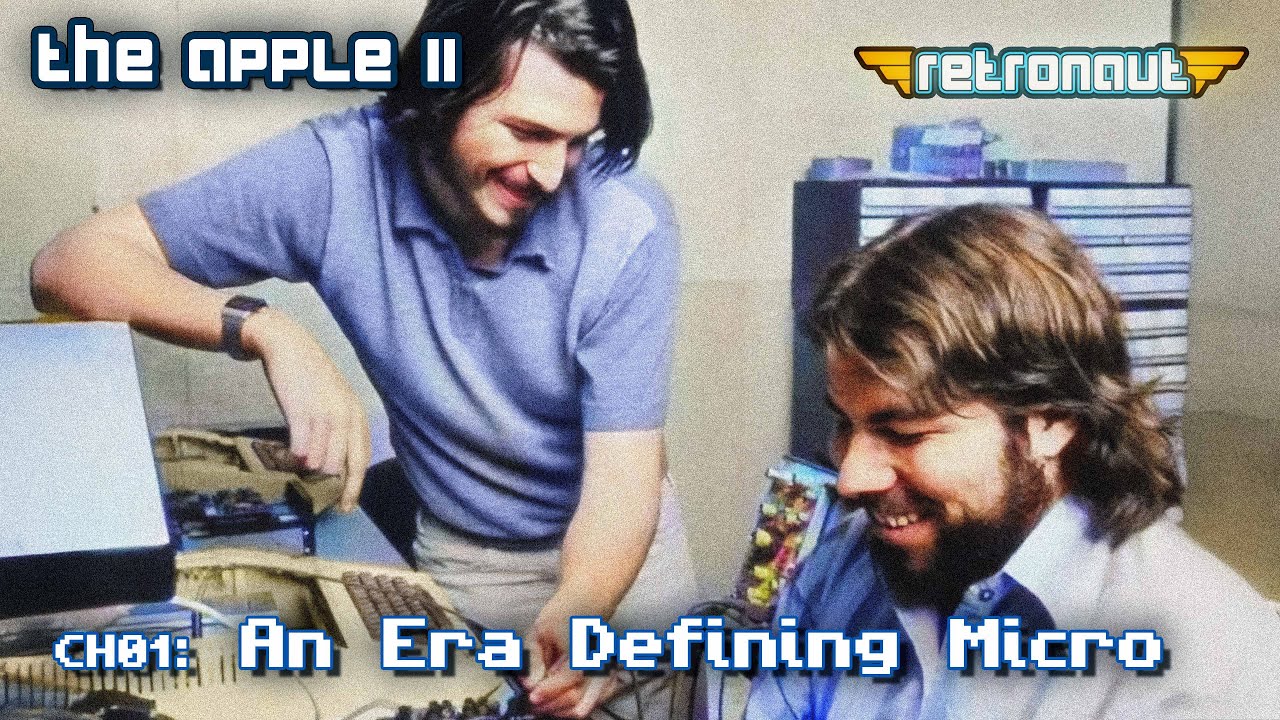
Why we LOVE The Apple II: The Amazing Era Defining Micro
In this first video of a 3 part video series we look at the trinity of micros launched in 1977, how they were all inspired by a previous 1975 trinity and how the Apple II beat its competitors. What made the original 1977 Apple II so great ? And what where its foibles and limitations.
-
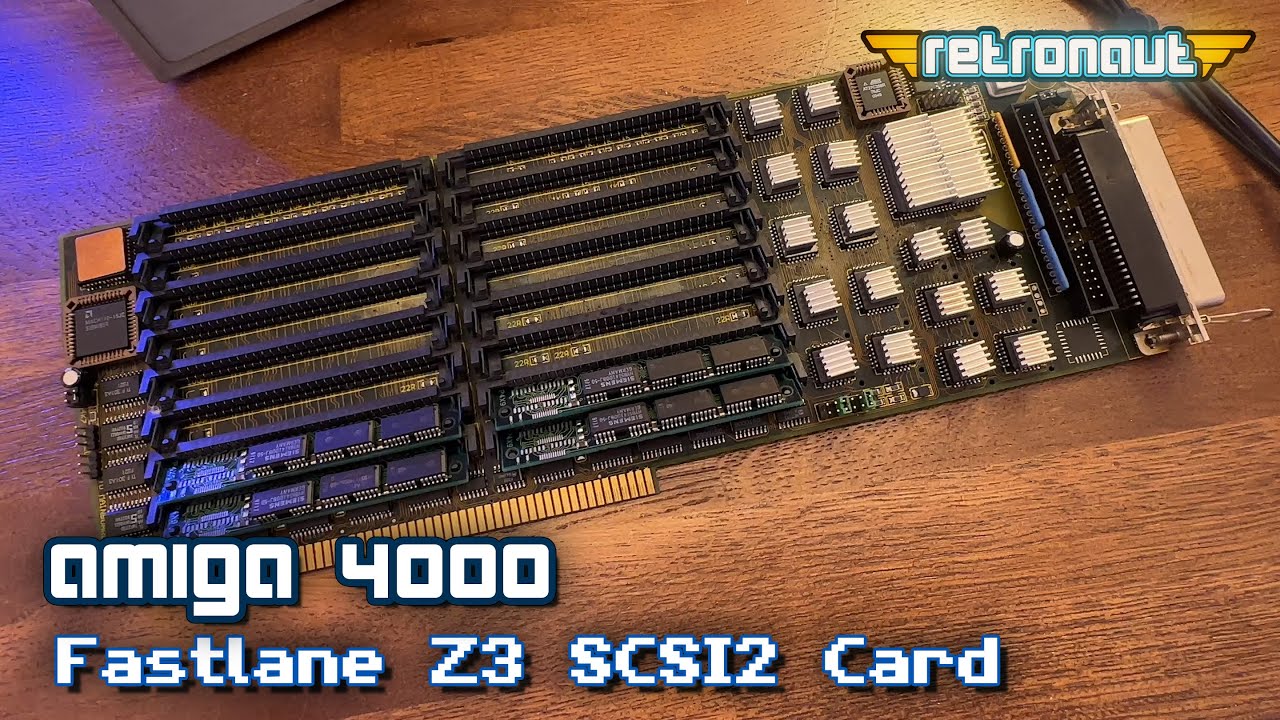
Amiga 4000: Is the Fastlane Z3 the best home for a BlueSCSIv2 Upgrade?
In this video, we install a Fastlane Z3 Fast SCSI2 card in my Amiga 4000 and use a BlueSCSIv2 to upgrade the machine with much faster disk IO and the potential of a CD-Rom and WIFI based networking.