


WHERE did Amazon Prime’s hit Fallout show came from? Watch on to learn the history behind the wonderful new #fallouttvshow. From who’s imagination did #Fallout originally spring? The origins of #vaultboy, the #supermutant and much more. Could it all have originated with a #retrogame ? Watch and find out…
Author: Retronaut
-
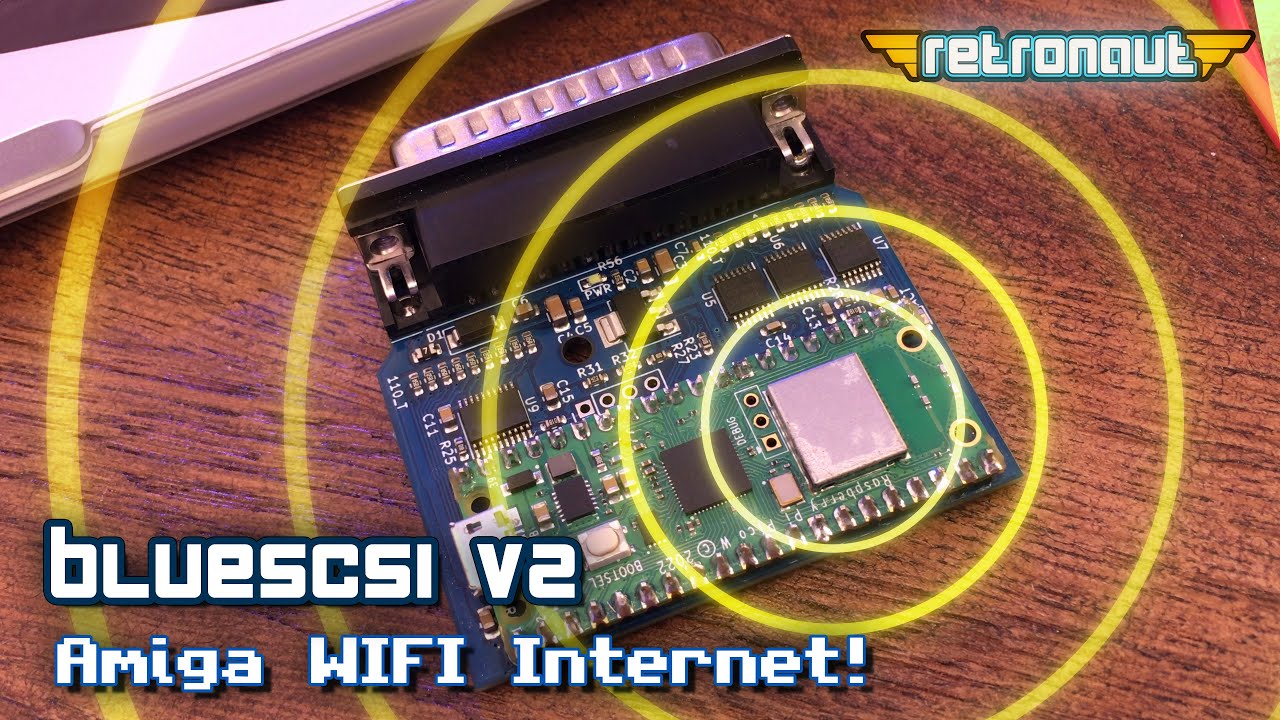
BlueSCSIv2: Amiga WIFI Internet!
The BlueSCSI v2 has a hidden new feature for Amiga users… WIFI!. It emulates a DynaPort, a 1990s Macintosh computer SCSI BUS network device. A few days ago, Rob Smith a UK based developer, revealed he had ported the required device driver to the Amiga. Now your BlueSCSI v2 can give your Amiga networking! In this video, we look at how we can set all of this up and get our 1987 computer on the internet!
-
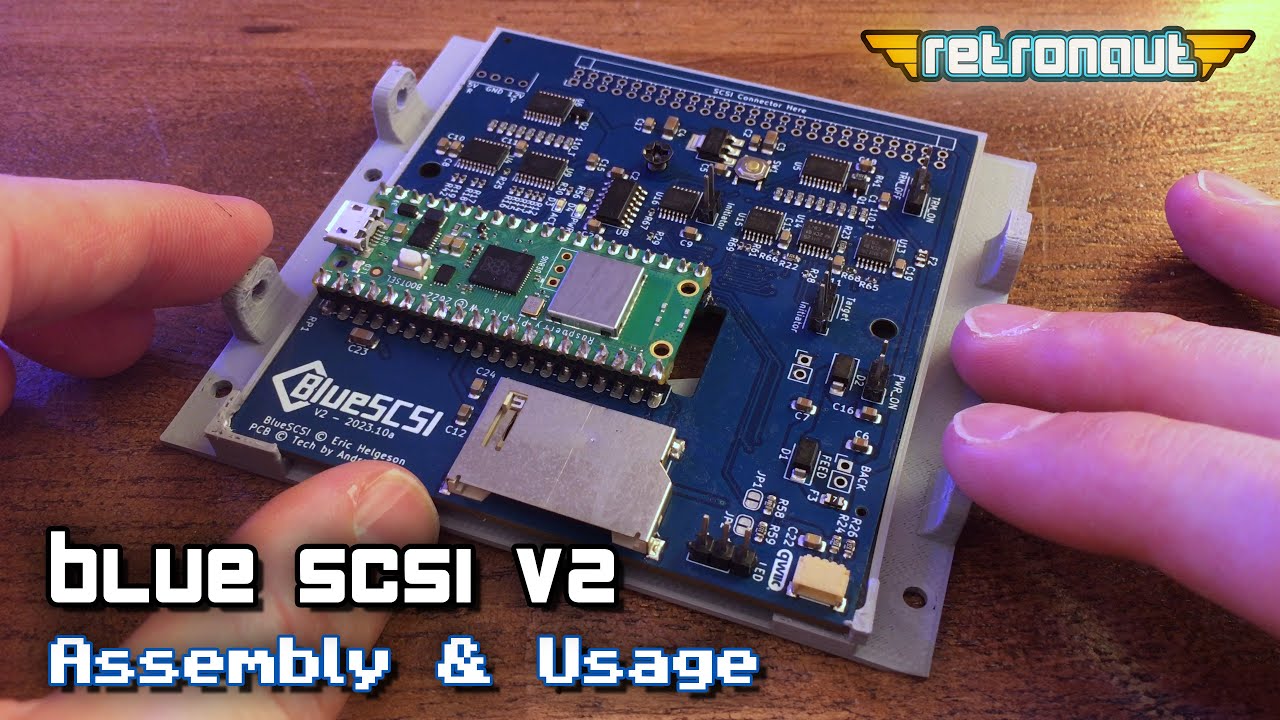
Making & Using a BlueSCSI v2
The BlueSCSI v2 provides a powerful replacement for legacy SCSI hard disks and SCSI based CD-Rom drives. In a recent video, we used an internal BlueSCSI v2 in my Ergo Pro x453 Windows 98 PC. In this video, we look at the devices in more detail, and use its external model to transfer data onto my Amiga 500, via its GVP HD8+ SCSI hard drive sidecar expansion. We also look at how the BlueSCSI can be used on a range of platforms, including the Amiga, retro Macintoshes and retro PCs.
-
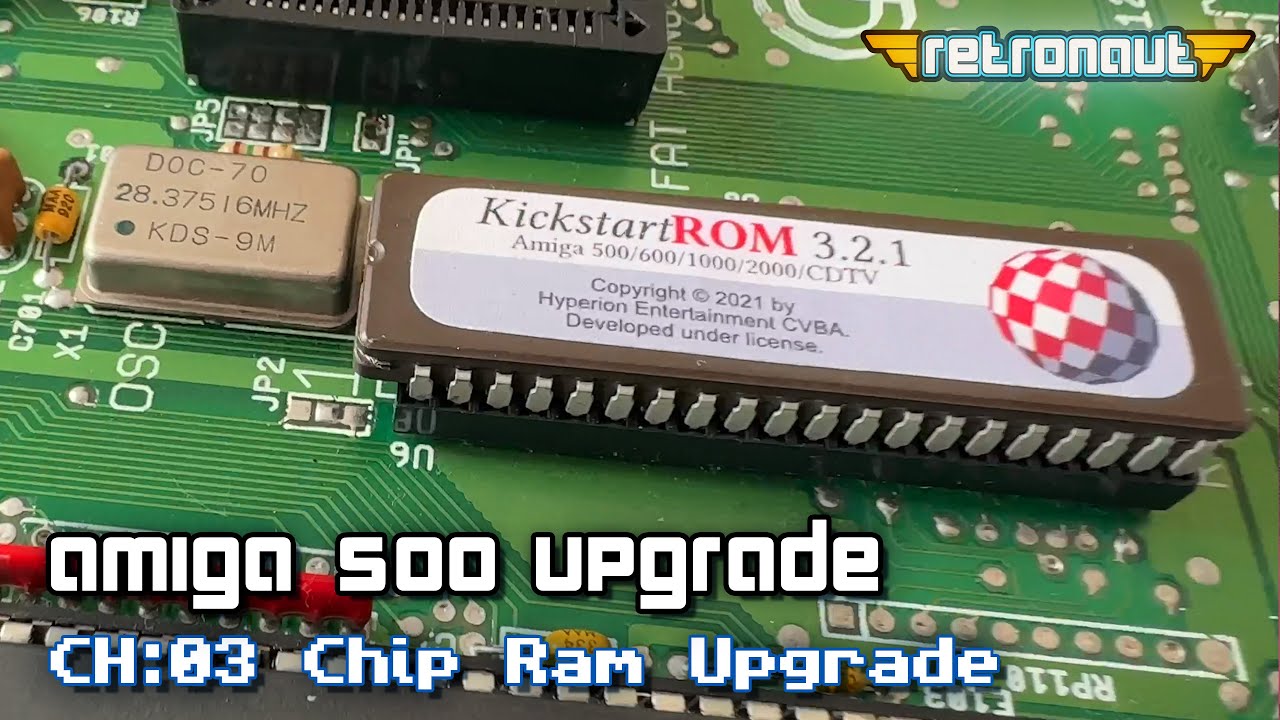
Amiga500 Upgrade CH:03 RAM Upgrade & Reassembly
In this episode, we make a modification to my revision 6A Amiga 500, cutting a trace, to allow it to have 1MB of Chip RAM, by adding the 512KB in my trapdoor RAM expansion, to the 512KB on board. Once this is done, we put the machine back together, plug in my GVP A500-HD8+ sidecar SCSI Hard Disk and we check out how it performs. Was all the effort worth it?
-
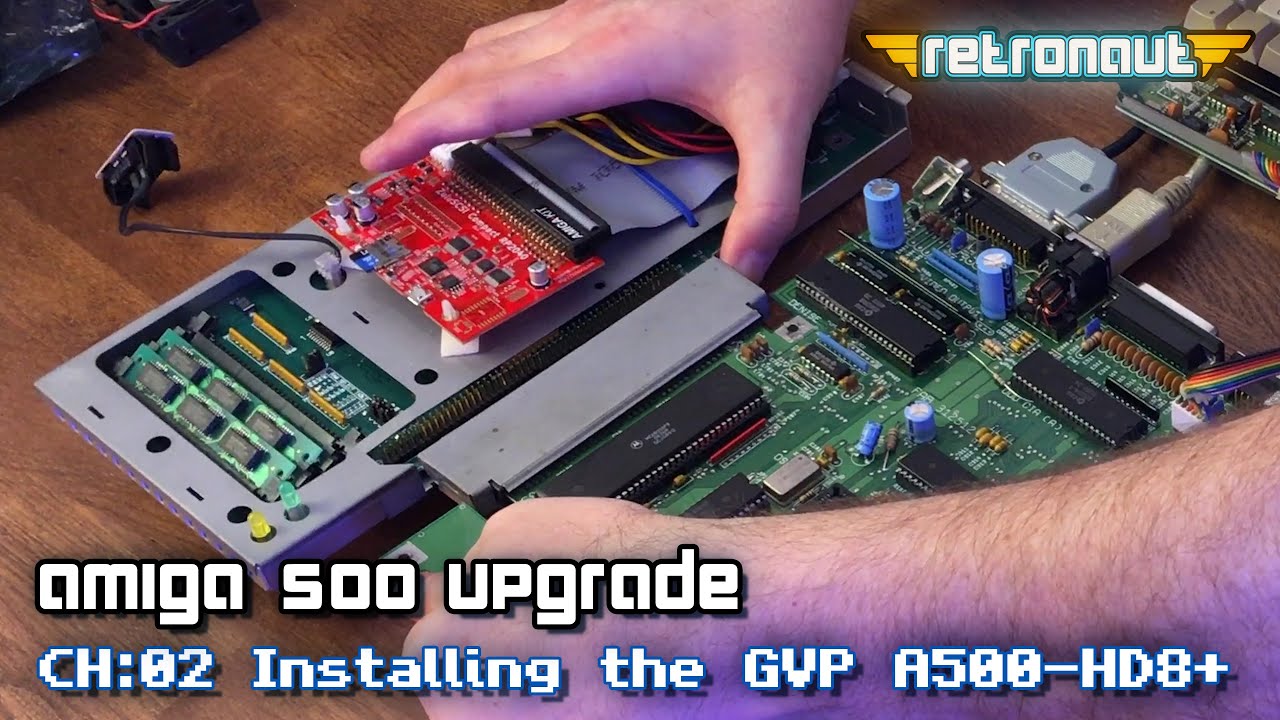
Amiga500 Upgrade CH:02 Installing the GVP A500-HD8+
Having got a hold of a GVP A500-HD8+ SCSI Hard disk sidecar, from 1991-92, I now need to update it to make it usable in my Amiga 500 refurb and upgrade. This device came with a ZuluSCSI, meaning I could use WinUAE, to modify its virtual hard disks. In this video I update it with a new install of Workbench 3.2, to work with a 3.2.1 ROM I had left spare from my Amiga 2000 refurb.
-
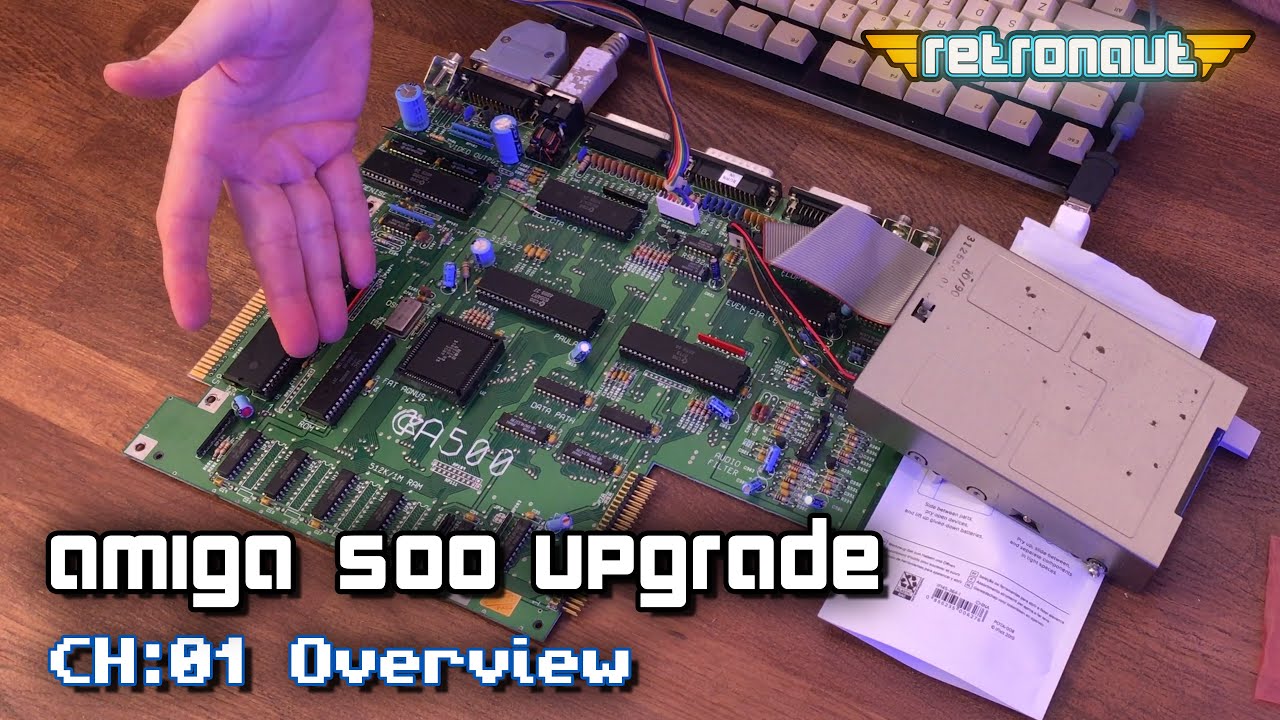
Next level Amiga500 with 1MB Chip RAM and a GVP hard drive!
My Commodore Amiga 500 really needs some Amiga upgrades! In this series I will take it from a stock A500, to a machine that I would have been proud to have back in 1997, by modifying its logic board, giving it 1MB of chip RAM and then installing a hard drive in the form of a GVP HD8+ sidecar. First, lets do an inspection and see what we have to work with…
-
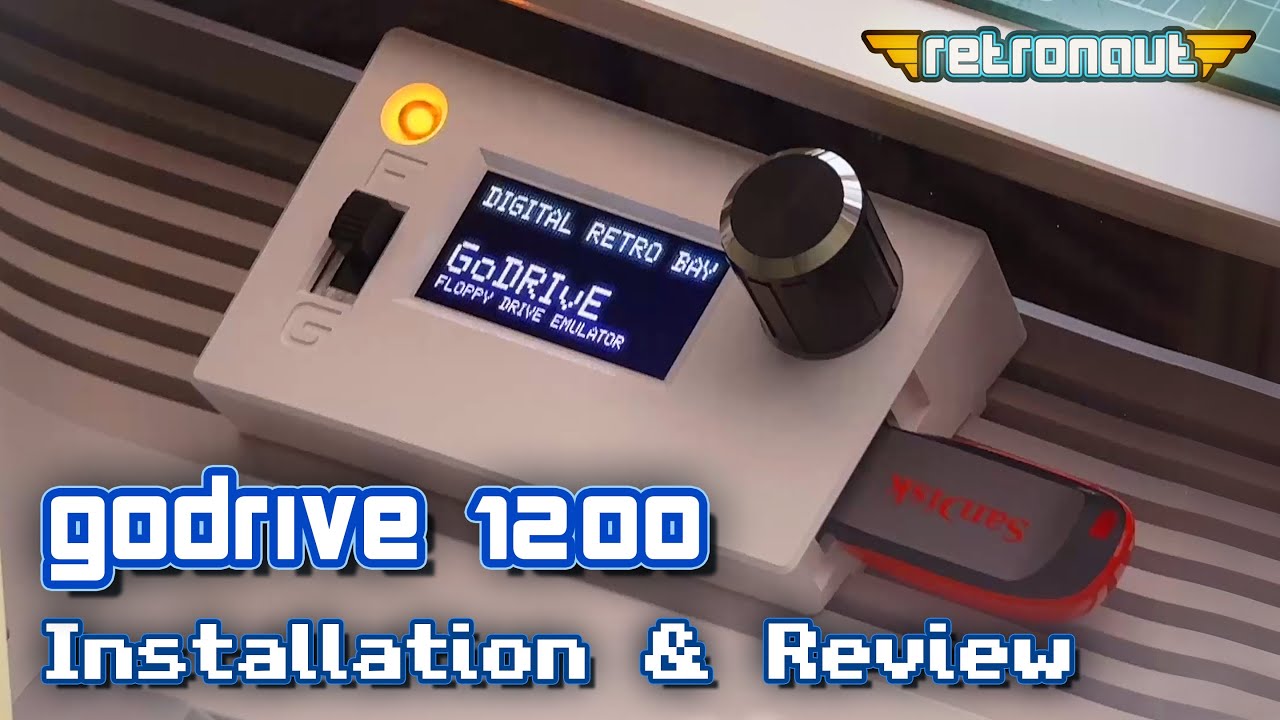
Amiga GoDRIvE1200 Review & Installation on an Amiga 500
In this video, we show how you can install a GoDrive 1200 from Digital Retro Bay, and I give a review as to its design, utility and performance
-
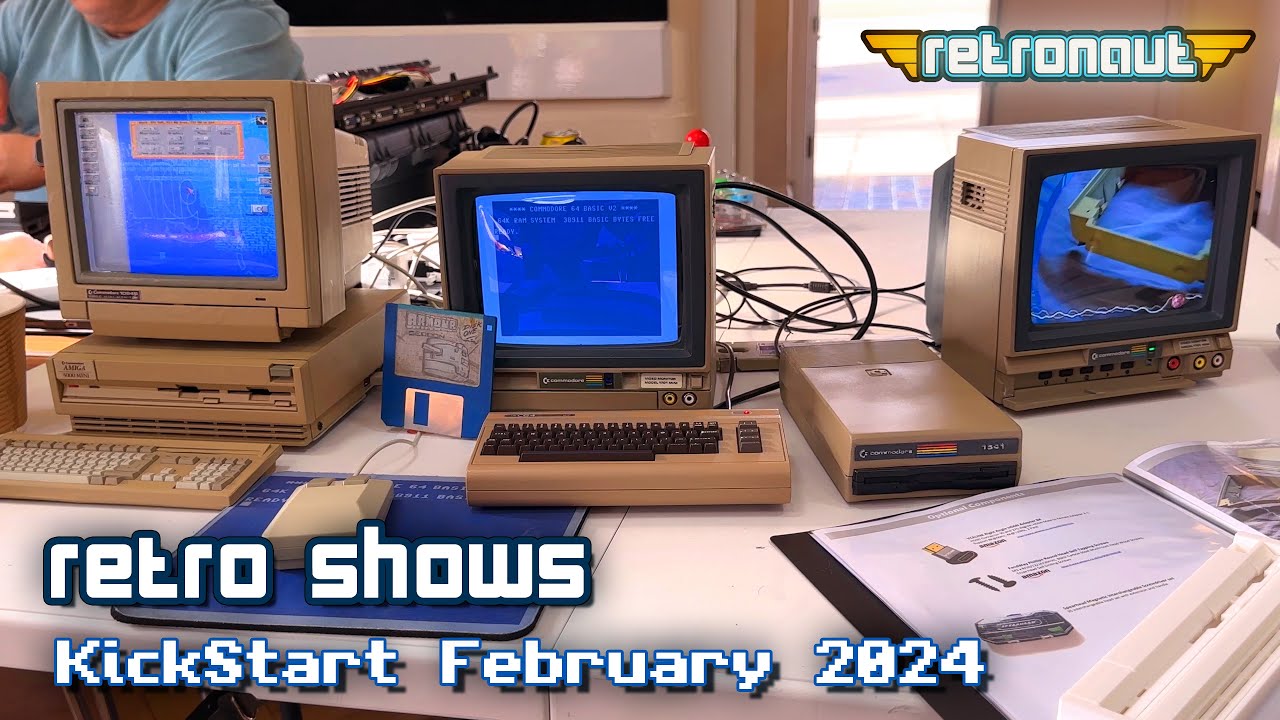
Kickstart Amiga User Group Event – February. 18th 2024
On the 18th of February 2024, I attended to Kickstart Amiga User Group, in Ottershaw, just off the M25 near London, UK. It was a smaller scale event, but perfectly formed. Join me as I dive into the event, and find so really interesting nuggets within…..
-
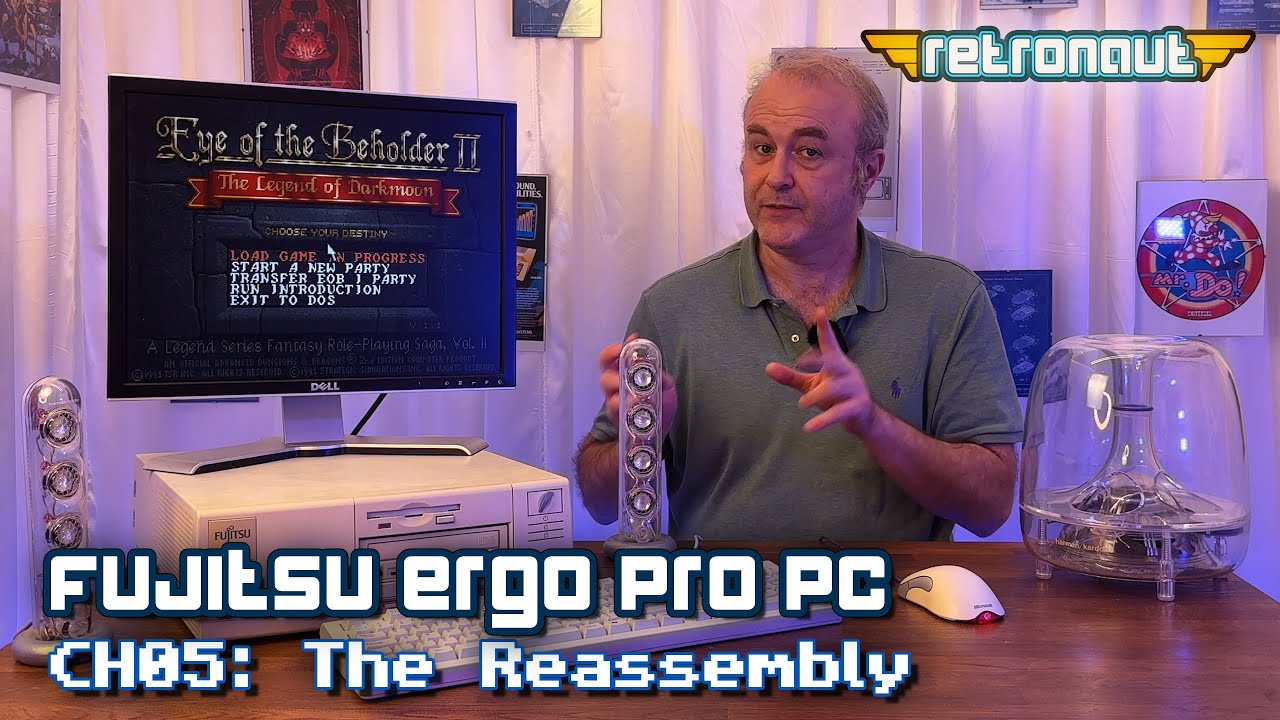
Fujitsu Ergo Pro x453 PC – CH05: The Reassembly
My Ergo Pro’s bit-rotted BIOS is good again, and the machine is now repaired. We explored Hard Disk replacement solutions in the previous chapter, so now we know what solutions we are going to use. In this chapter, we reassemble this Windows 98 gaming PC, allowing me to once more deep dive into MSDos and Windows games of the 80s and 90s.
-
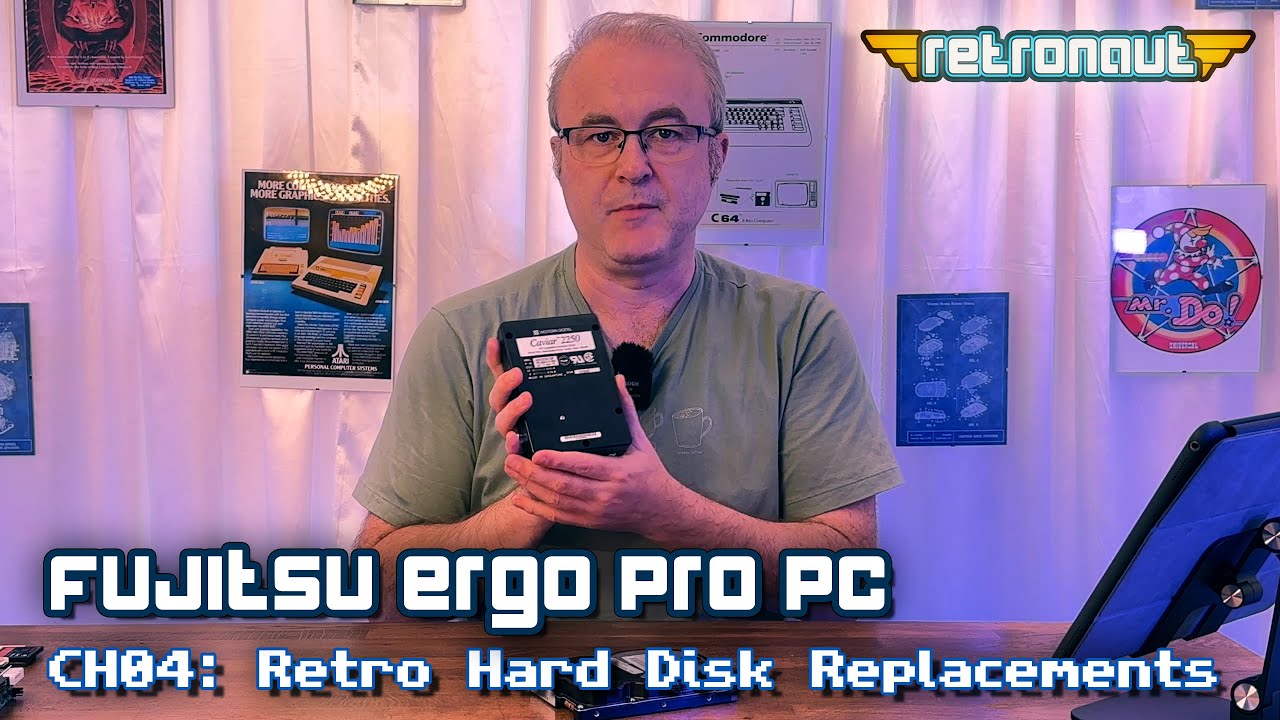
Fujitsu Ergo Pro x453 PC – CH04: Retro Hard Disk Replacement Options
This video is a (relatively) comprehensive overview of the Hard Disk storage replacement options available to all of us in retro PCs, Amigas, Macs etc. So, for my Ergo Pro x453, an IDE based Win98 PC, do I stick with its built in IDE, or do I choose to use a SCSI Adapter and if so, to what benefit?